Skip to content
Rizwan Aritonang

I Help Businesses Continuously Improve Their Website—Not Just Build One.

  • Case Study
    • CSS
  • Portfolio
  • Hire me
  • English
    • English
    • Bahasa Indonesia
  • Case Study
    • CSS
  • Portfolio
  • Hire me
  • English
    • English
    • Bahasa Indonesia
  • How to Create a Dynamic Login & Logout Menu in WordPress (Beginner Guide)
    WordPress Tutorials

    How to Create a Dynamic Login & Logout Menu in WordPress (Beginner Guide)

    October 14, 2025 - By Rizwan Aritonang

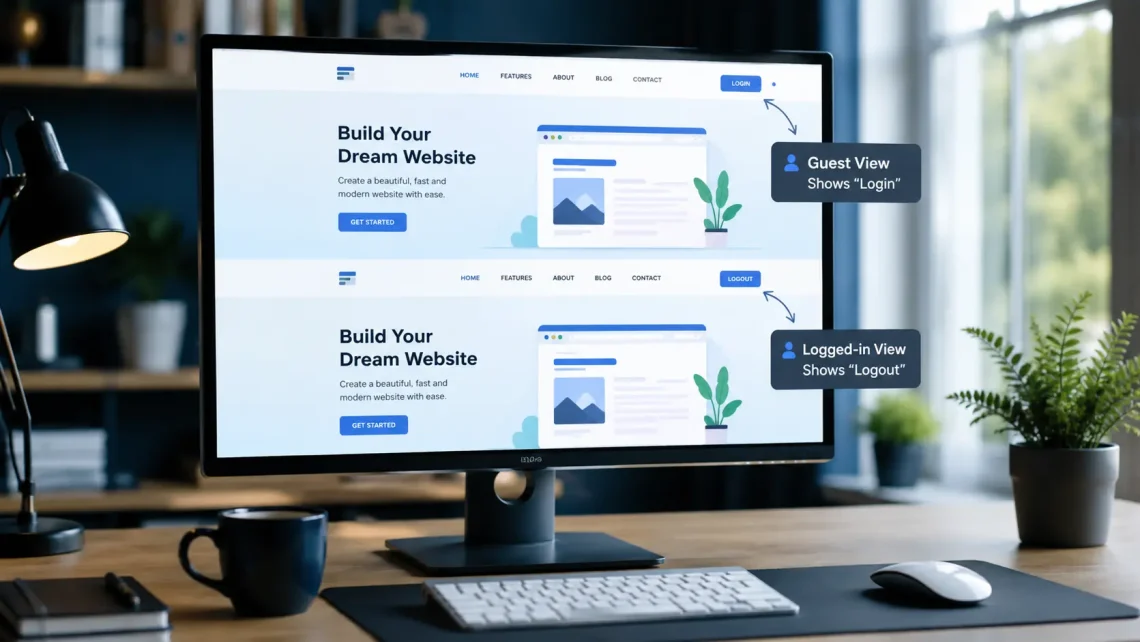
    TL;DR WordPress offers a very flexible navigation system. By default, however, the same menu is shown to every visitor, whether they are logged in or not. On many types of websites, that default behavior is less than ideal. For example, a membership site usually wants to show a Login button to visitors who do not have an active session. After the user signs in successfully, that button is replaced with Profile, Dashboard, or Logout. With this approach, navigation becomes simpler. The user experience also becomes much better. The good news is that you do not need to build this system…
    Continue Reading

I need help with..

Latest Posts

  • My First Time Building a Chrome Extension with Vibe Coding
  • Why I Often Build My Own Live Search Instead of Relying on WordPress Default Search
  • How I Built a Custom Gutenberg Block System with ACF Pro [Case Study]
  • Tailwind CSS + Prepros: A WordPress Theme Workflow from Personal Experience
  • How I Built a Role-Based Discount WooCommerce System [Case Study]
© 2026 Rizwan Aritonang
Graceful Theme by Optima Themes