
Ever since my daughter started primary school, something slowly dawned on me: she has her own world now. And she is only in first grade. It feels like just yesterday I decided almost everything for her, and now she has her own schedule, her own friends, her own routines, and her own priorities.
Her days are packed. There is school, there is Quran class, there is homework, there is playtime with the neighbourhood kids, and of course there is Roblox — her favourite game, which can easily swallow an entire evening if nobody sets a limit. My wife and I also started giving her small responsibilities at home, like making her bed and tidying up her own toys.
The problem was simple but very real: the three of us were constantly out of sync. My wife would remind her of one thing while I remembered something different, and my daughter had the classic defence, “nobody told me.” That was the moment I started thinking about building a tiny internal system to manage her schedule and chores — internal meaning only the three of us could ever access it.
This article is an honest account of that process. It is not a step-by-step tutorial. It is more about what I tried, what failed, and what I eventually learned as a developer and as a father.
I Started With Notion, and I Still Love It
Let me be upfront: Notion is my favourite tool, and I still use it for work every single day. So naturally my first attempt was to build everything inside Notion. I created a schedule database, a task database, a few tidy views, daily filters, and relations between tables.
For me personally, it worked beautifully. For my daughter, it was a disaster. When I asked her to open her own schedule page, she had no idea what to click. There were too many buttons, too many views, and far too many things she could accidentally change or delete.
When I looked at it again with a clear head, I realised I had built something complex for a user who needed the exact opposite. A first grader does not need database views. She needs one screen that tells her what her day looks like.
And there was one more dealbreaker: I could not find a push notification approach in Notion that genuinely worked for us. If you know of one, I would love to hear it in the comments. The entire premise of this system was reminders that arrive on their own, without any of us having to remember to open an app.
The Mobile App Plan I Cancelled Because of My Wife’s iPhone
Since the idea was already stuck in my head, I moved on to the next plan: migrating from Notion to a mobile app built with Expo. I am fairly comfortable with React, so Expo felt like the sensible route. I had even started picturing what the tab bar would look like.
Then I hit a very non-technical wall: my wife uses an iPhone. That means if I wanted her to use the app normally, I would have to enter Apple’s distribution ecosystem. And right now I have zero interest in paying for an Apple Developer subscription just to ship an app with three users who all live in the same house. Yes, really.
I briefly explored the alternative routes, but every one of them felt like far too much friction for the size of the problem I was solving. This is not a product. It is a household tool.
So I made the decision that later turned out to be the right one: just build it for the web. Everyone at home already has a browser, nobody needs to install anything, and I can ship updates whenever I want without waiting on anyone’s review queue.
First lesson learned: non-technical constraints often shape your architecture more than technical ones. Not performance, not scalability — just a subscription fee and the phone my wife happens to own.
The Features I Decided to Build

Once the platform question was settled, I forced myself to write the shortest possible feature list. I know my own bad habit: if I do not draw a line early, a side project like this never ships.
For my wife and me as the parents, there are two core capabilities. First, managing recurring agenda items — create it once and it repeats on its own. The real example is Quran class every Monday to Friday at 3:30 PM, which I only ever type in once.
Second, managing one-off tasks. A task does not repeat. It has a deadline date and time, it has a priority, and then it is done. Tidying the wardrobe, finishing a specific page of maths homework, that kind of thing.
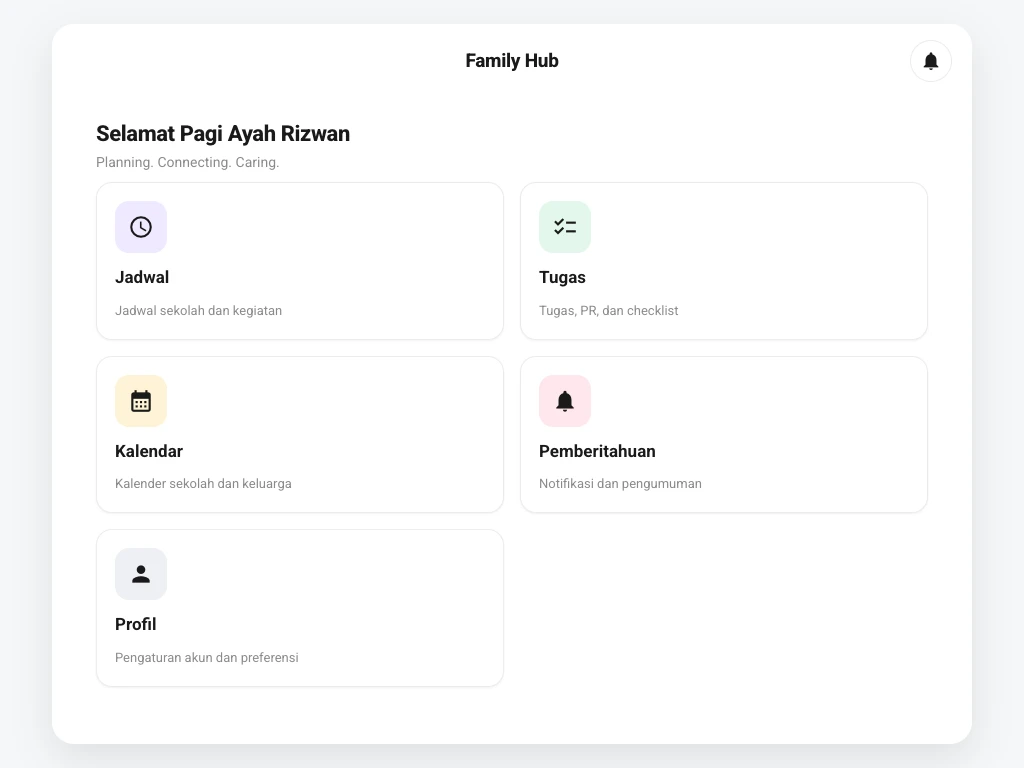
For my daughter, I deliberately made her role as narrow as possible: she can only view her schedule and agenda. No add button, no delete button, no form she can accidentally break. That design decision came directly from my failure with Notion.
On top of that there were three hard requirements. There had to be push notifications for every role, login had to use Google ID so nobody needs to remember a password, and the system could only ever be accessed by three Google accounts — mine, my wife’s, and my daughter’s.
The Tech Stack I Chose and Why
I picked Next.js because it is the React framework I use most often and feel most at home with. The App Router lets me cleanly separate public pages like login from pages that require a session, and the middleware layer makes route protection straightforward.
For the database I went with Supabase. The main reason is that I did not want to maintain a separate backend for an app with three users. Supabase gives me Postgres, Google OAuth authentication, and Row Level Security in one package. My data model is not complicated either — essentially just family members, schedules, schedule occurrences, and tasks.
For notifications, I decided to use the Fonnte WhatsApp API. This is the decision I am most grateful for. Everyone in my family already opens WhatsApp dozens of times a day without being told, so there is zero learning curve. Schedule and task reminders land in a place we are already looking at.
For deployment and hosting I use Netlify. It is simple, it is fast, it connects straight to the repo, and it is more than enough for a workload whose users can be counted on one hand.
The Hardest Part Turned Out to Be Recurring Schedules
When I wrote the feature list, I assumed notifications would be the hard part. They were not. The hard part was recurring schedules.
At first I imagined I could just store a single schedule row with a repeat pattern and render it. But as soon as real life got involved, questions came up that a single row simply cannot answer: what if Quran class is cancelled this Wednesday? How do I mark Monday’s session as done while Tuesday’s is still pending?
The solution I settled on was to separate the schedule definition from its occurrences. A schedule stores the repeat pattern as a list of day-and-time pairs, while each occurrence on a specific date carries its own status. So Quran class remains one entry, but Monday, Tuesday, and Wednesday can each have a different state.
That pattern made everything downstream far easier. The calendar simply reads a date range, notifications simply look at upcoming occurrences, and my daughter’s page simply shows today’s occurrences.
Second lesson learned: when a feature feels awkward to code, the problem is usually not the code — it is the data model. I burned half a night hacking around the logic before realising I had simply modelled one table wrong.
WhatsApp Notifications That Know Their Place
The notification layer had its own lesson to teach, and that lesson came from my wife.
My first version was far too eager. A schedule is coming up? Send a message. A task deadline is near? Send a message. A task is overdue? Send another one. The result was that within two days our family chat was drowning in notifications and my wife told me my app was noisy. That is the most honest feedback I have ever received about a side project.
So I reworked the approach. The reminder types are now limited and each one has a clear purpose: a heads-up before a scheduled activity, a task deadline reminder, an overdue task flag, plus a morning summary and an evening summary. The summaries turned out to be the most useful of all — one message in the morning that frames the whole day, instead of ten messages spread across it.
There is one technical detail I have to mention because it genuinely embarrassed me: idempotency. Before I added a unique per-period key to every message, one reminder went out repeatedly because the job ran more than once. My daughter actually asked why her mother’s phone kept buzzing. Once every message had a dedup key, that problem disappeared.
As for phone number mapping, I deliberately kept it out of the database. Since there are only three users, each role’s WhatsApp number is read from an environment variable. Safer, simpler, and no extra table to maintain.
Google Login and Access That Is Genuinely Closed
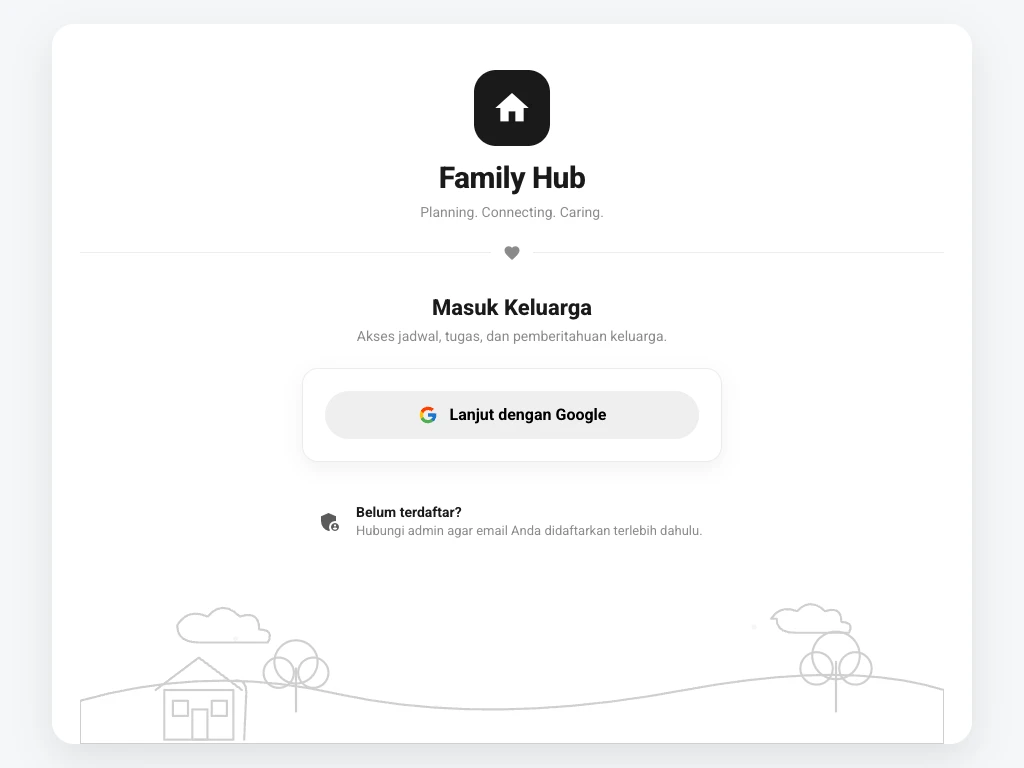
For login I use Google OAuth through Supabase. The reasoning is practical: nobody needs to remember a password, least of all my daughter, who would clearly never want to deal with a password reset flow.
But Google login on its own is not enough, because technically anyone with a Google account could try to sign in. So I added a second layer: after authentication succeeds, the incoming email is matched against the family member list stored in the database. If the email is not on that list, the session is rejected before it ever reaches a page.
Next.js middleware handles that check at the route level, so no internal page is reachable without a valid session. On the database side, Row Level Security ensures our family data cannot be read from an unauthorised session.
I also enforce role separation in two places at once. In the UI, my daughter is routed to a dedicated dashboard with no edit controls whatsoever. On the server, every create and update action on schedules and tasks is validated again. I learned a long time ago never to treat the UI as a security boundary.
On Vibe Coding and 10 Years of WordPress Experience
I built this the way people now call vibe coding — working closely with AI, iterating fast, not writing everything from scratch. And I want to be honest about it, because plenty of people dismiss it as a shortcut.
In my experience, vibe coding works precisely because I already have the background. More than ten years in the WordPress world taught me how to break a problem apart, how to name things, and how to read someone else’s code quickly. My React experience tells me when a component is starting to carry too many responsibilities.
What I noticed is that AI is extremely fast at producing code that runs, but not automatically code that is right for my context. Several times I was handed solutions that were far too generic, with layers of abstraction that made no sense for a three-user app. That is where experience earns its keep — knowing when to say “this is overkill, simplify it.”
So if anyone asks whether vibe coding replaces experience, my answer from this project is no. It multiplies the experience you already have. If there is no foundation underneath, what gets multiplied is the confusion.
What I Learned From Building an App for My Own Family
The biggest lesson was not a technical one. Building for your own family is different because your users will not hold back when they find your app confusing, and they happen to live in the same house as you.
I learned that simplicity is expensive. My daughter’s page has the fewest elements of any screen in the app, and it went through the most revisions by far. Removing something turns out to require more thought than adding it.
I also learned that notifications are the feature developers most easily abuse on themselves. When you can send a message at any moment, the temptation to send too many is enormous. My standard is now simple: if a message would not change what someone does in the next hour, it does not need to be sent.
Most importantly, I learned that the best side projects are the ones that solve a problem you live with every day. I never have to hunt for motivation to maintain it, because every bug makes itself felt at the dinner table.
Is the System Actually Being Used?
That is the question I asked myself before writing this article, because so many side projects quietly die after the first week.
The answer is yes, and the part that keeps it alive is WhatsApp. Because reminders arrive in an app we already open constantly, there was no new habit to build. My wife does not even need to open the app to know what today looks like.
My daughter has developed a habit of checking her screen after school to see how her day is ordered. Not because the system is clever, but because the page only shows what she actually needs to see that day.
There is still plenty to improve, and I still patch small things regularly. But for a tiny system born out of one father’s confusion over a first grader’s schedule, I would say it is already more than enough.
If you are thinking about building something similar, I only have one piece of advice: start with the problem that annoys you most at home, not with the tech stack you most want to try.

